An IPTV player is only the "remote control" for your service. The channels come from your IPTV provider; the player makes them fast, organised and easy to use on a TV.
FDS IPTV Player does not sell or include any channels. Use a playlist from a provider you are authorised to use.
What you need
- An Android TV, Google TV or Android-based LED TV (or an Android TV box).
- Your playlist details from your provider: an Xtream Codes login or an M3U / M3U8 link.
- A stable internet connection. Wired Ethernet or 5 GHz Wi-Fi works best.
Step 1: Allow app installs on the TV
Android TV blocks apps from outside the Play Store by default. Open Settings → Device Preferences → Security & restrictions (on some TVs: Apps → Special app access → Install unknown apps) and allow the app you will use to download, usually Downloader.
Step 2: Download FDS IPTV Player
- Install the free Downloader app from the Play Store on your TV.
- Open it and type player.fdsdigitalstore.com in the address box.
- Press Download for Android on the page. The file is large, so give it a minute on slower connections.
Step 3: Install and open the app
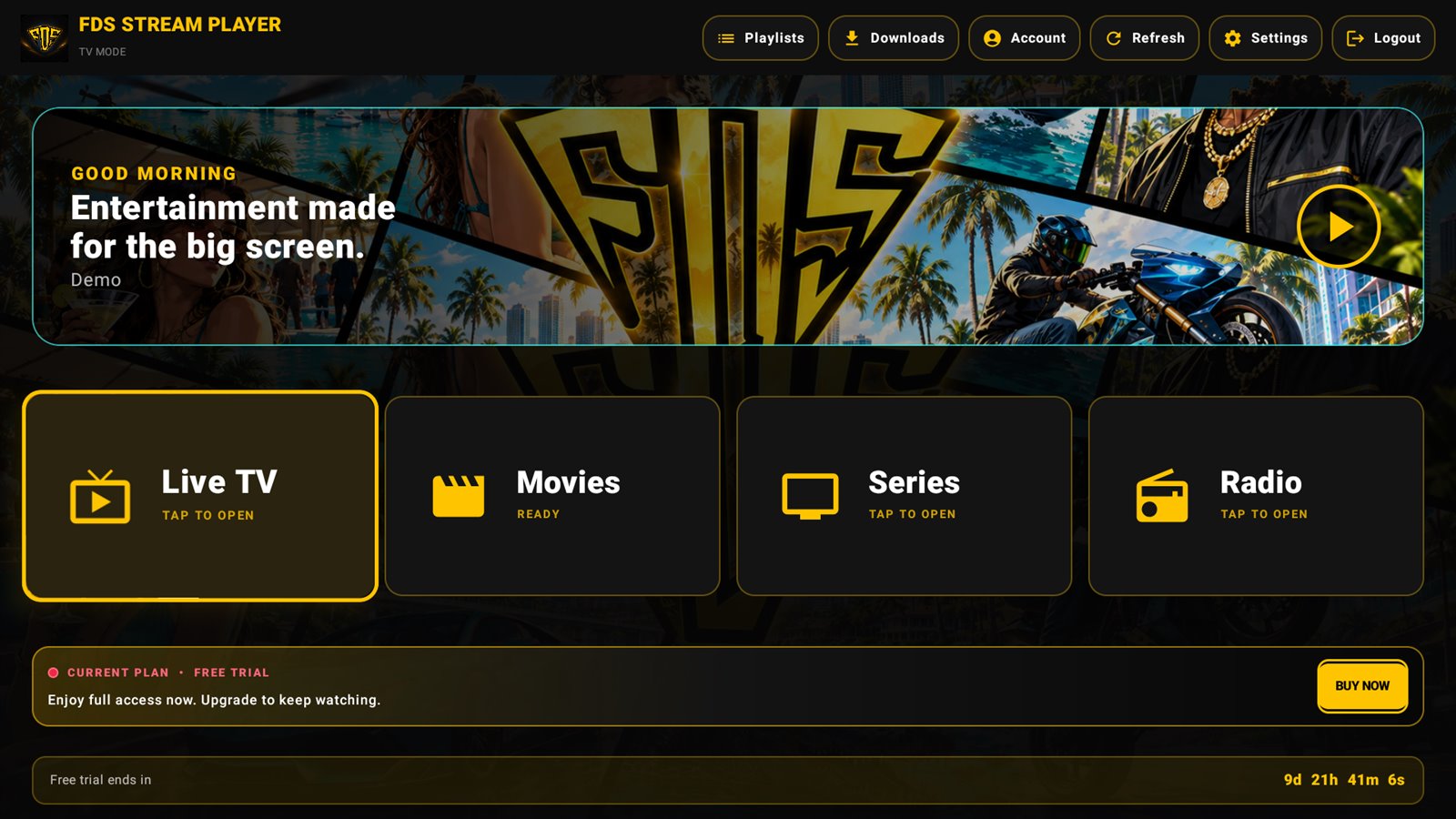
When the download finishes, choose Install, then Open. Enter your email when asked. Your 30-day free trial starts automatically with every feature unlocked. The app detects your TV and switches to its remote-friendly TV mode.
Step 4: Add your playlist
On the "Who is watching?" screen, add a new playlist and pick the type your provider gave you:
| Your provider gave you… | Choose | Enter |
|---|---|---|
| A server address, username and password | Xtream Codes | Server URL (with http:// and port), username, password |
A long link ending in .m3u, .m3u8 or containing get.php | M3U | Paste the whole link. Add an EPG link if you have one. |
Not sure which to use? Read M3U vs Xtream Codes. In short, Xtream Codes usually loads faster and shows movie and series details better.
Step 5: Start watching
Open Live TV, choose a category and press OK on a channel. Use the D-pad to jump to the next or previous channel, and long-press to add favourites. In Movies and Series you get posters, plots and Continue Watching, so you can pick up where you left off.
Common problems
"App not installed"
Make sure there is enough free storage, and that installs are allowed for the Downloader app (Step 1). If an older copy is installed from a different source, uninstall it first.
Login failed
Check the server URL carefully, including http:// and the port number (for example :8080). Usernames and passwords are case-sensitive. If it still fails, ask your provider whether your subscription is active.
Buffering
See our guide: IPTV buffering on Android TV: 9 fixes that work.
FAQ
Is it free?
Every new device gets a 30-day free trial with all features. After that, Premium costs Rs 300 a month, Rs 1,700 a year or Rs 5,000 once for lifetime.
Can I use one playlist on several devices?
That depends on your provider's connection limit. The FDS licence itself activates one device.
Does it work on Samsung or LG TVs?
No. Samsung (Tizen) and LG (webOS) TVs are not Android. Use an Android TV box or stick with those TVs.
Try FDS IPTV Player free for 30 days
Every feature unlocked: TV mode, downloads, 13 themes and parental PIN. No ads.