📺
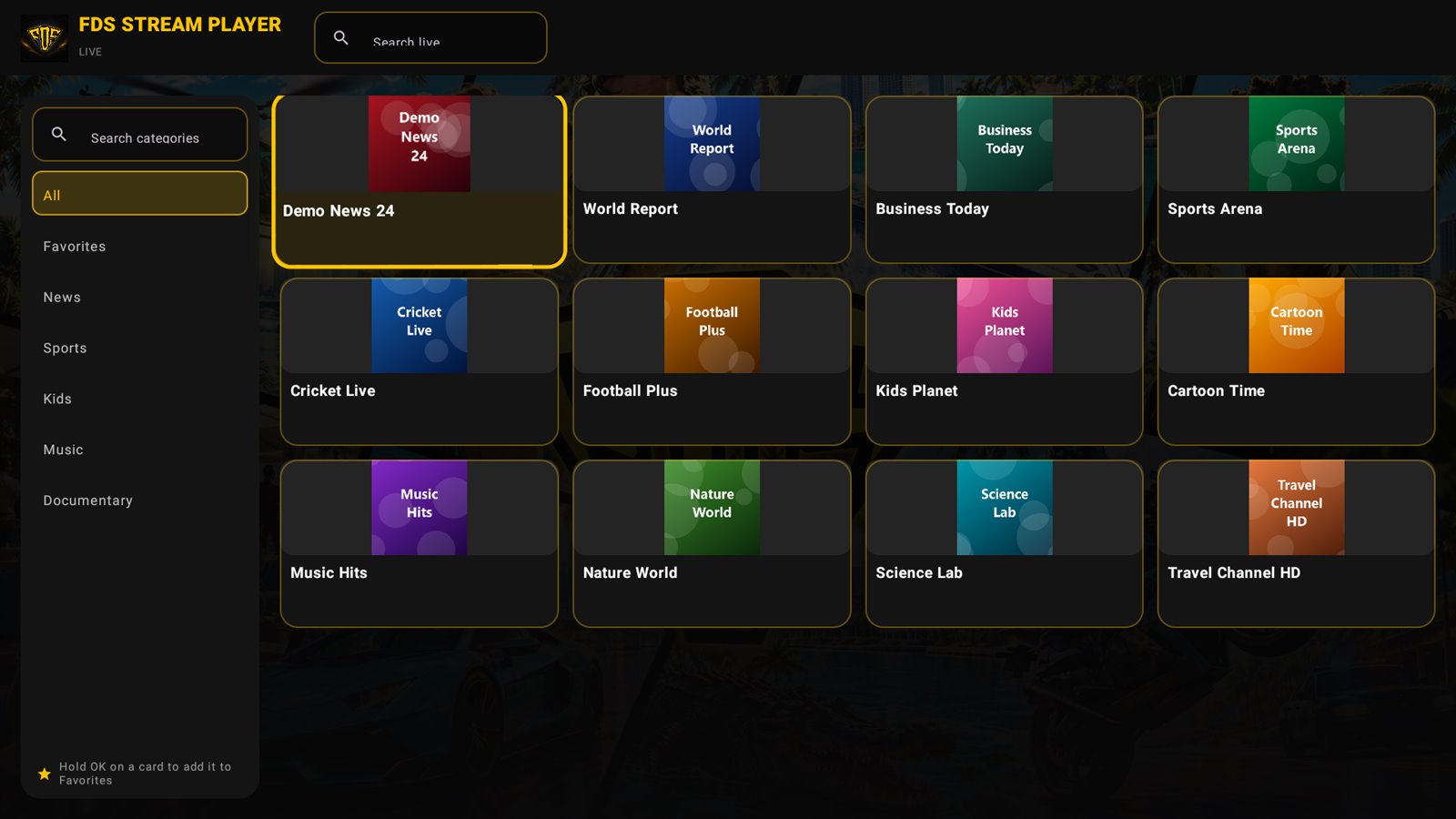
Live TV, organised
Categories, search, favourites and Now/Next programme info. Jump to the next or previous channel from your remote.
Fast loading, clean design and the features you actually use every day — on the phone in your hand and the TV on your wall.
Categories, search, favourites and Now/Next programme info. Jump to the next or previous channel from your remote.

Posters, plots, cast and continue watching. Seasons and episodes one click away.
Download movies and episodes. Files are encrypted and stay on your device.
No ads. No limits on playlists. Every tool you need to enjoy your own IPTV service the premium way.
Log in with your server details or paste an M3U / M3U8 link.
“Who is watching?” profiles for the whole family, stored encrypted.
Channel categories with what is on now and what is next.
Posters, plot, cast, rating, seasons and episodes.
Resume exactly where you stopped, or start over.
Find any channel or title fast, keep your top picks close.
Hide categories you never watch and drag the rest in order.
7 styles like FDS Gold and Panther Black, plus Ramadan, Eid and more.
Adult content stays locked behind your own 4-digit PIN.
Save movies and episodes, watch them offline.
Choose Wi-Fi only, ask on mobile data, or any network.
Switch languages and subtitle tracks while you watch.
Make every picture fit your screen perfectly.
Keep the match playing while you reply on WhatsApp.
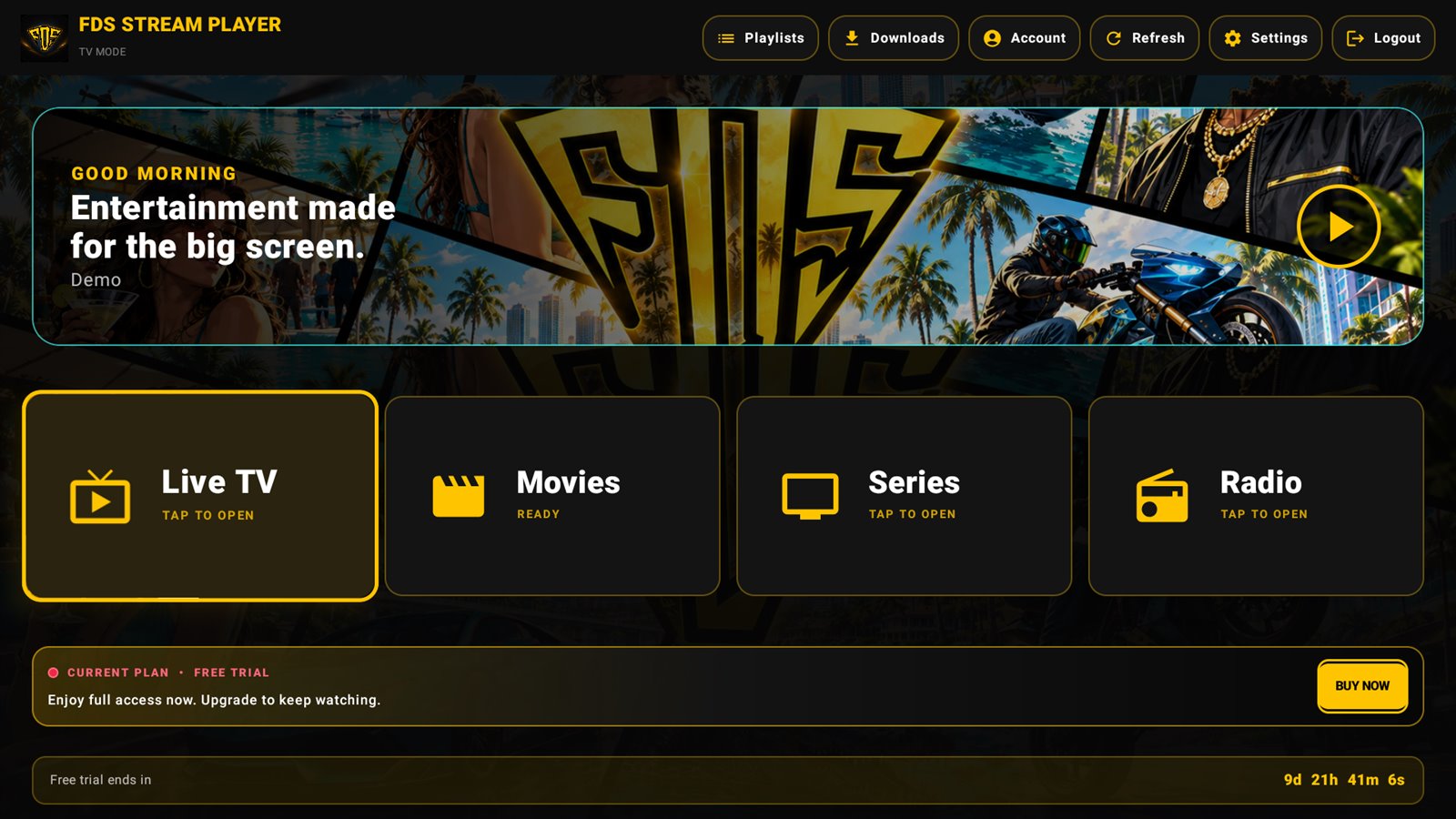
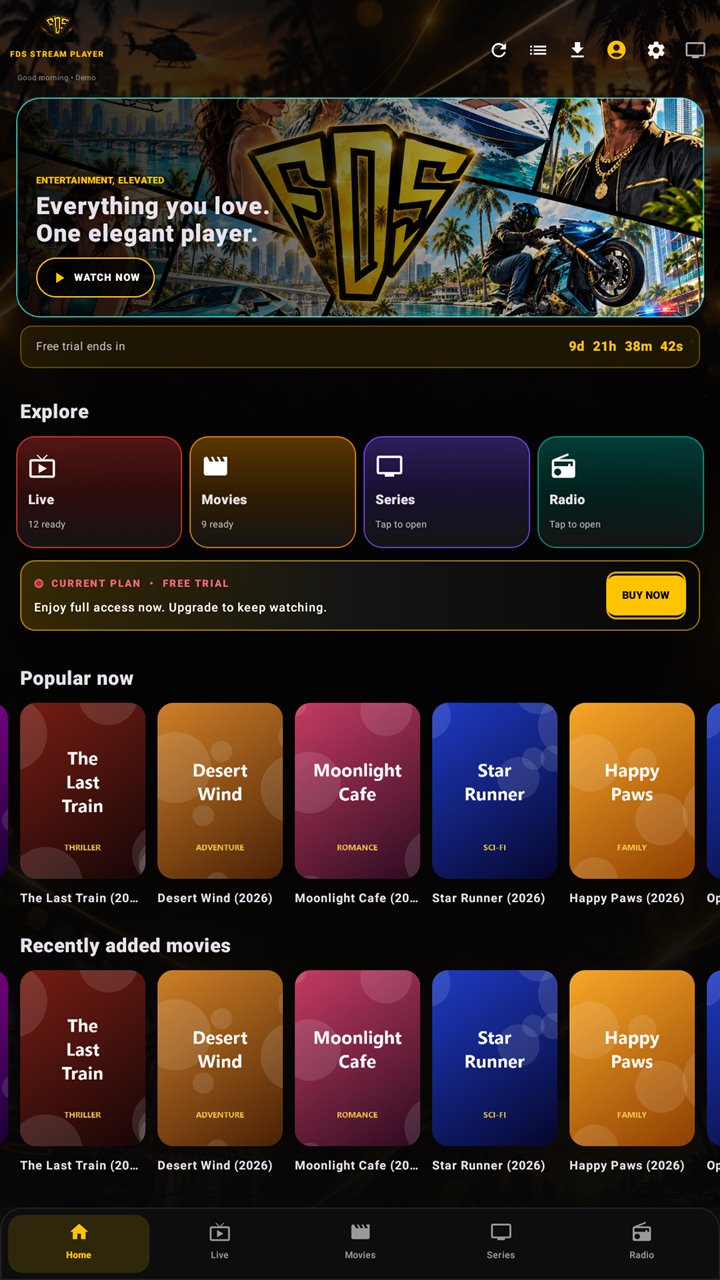
A D-pad friendly TV mode, plus a touch mode for phones.
A clean player. Your playlist details are stored encrypted.
Your free trial unlocks every feature for 30 days. Premium keeps the show going.
Download the app on your Android phone, tablet or Android TV. Your 30-day free trial starts automatically.
Enter your Xtream Codes login (server, username, password) or paste your M3U link from your provider.
Live TV, movies and series load in organised categories. Keep watching with Premium.
A touch interface made for phones and tablets, and a remote-friendly mode for Android TV, Google TV and Android LED TVs. One licence activates one device.
Pick your device and start your free 30-day trial. More TV platforms are on the way.
Fire TV Stick: install the free Downloader app, then open the Fire TV link above. Windows PC: install BlueStacks first, then open the downloaded file with it.
Try every feature free for 30 days. Premium keeps your device unlocked. One licence, one device.
Not sure yet? Download the free 30-day trial ↓ · Using a PC with BlueStacks? Get the PC version ↓
Setup help and tips for smooth IPTV on Android phones and Android TV.
No. FDS IPTV Player is an independent media player. It does not provide, sell or host any channels, playlists or subscriptions. You add your own playlist from a provider you are authorised to use.
M3U / M3U8 playlist links and Xtream Codes logins (server URL, username and password).
Yes. FDS has a remote-friendly TV mode for Android TV, Google TV and Android LED TVs, and a touch mode for phones and tablets.
Yes. Every new device gets a 30-day free trial with all features.
Rs 300 per month, Rs 1,700 per year, or Rs 5,000 once for lifetime access on one device.
Yes. Movies and episodes can be downloaded and are stored encrypted on your device.
After payment you receive an activation key by email. Open FDS IPTV Player, go to Account, choose Activate Premium and enter the key.
Open Account and choose Restore Premium, then enter the email you used to buy and the verification code we send you. You can also use the Restore Premium page on our website.
Today FDS IPTV Player runs on Android phones, tablets, Android TV, Google TV, Android-based LED TVs, Amazon Fire TV Stick and Windows PCs (with BlueStacks). Apps for Samsung, LG and Roku TVs are coming soon. iPhone is not supported yet.
No. There are no ads in the free trial or in Premium.
Start free for 30 days. No card needed.